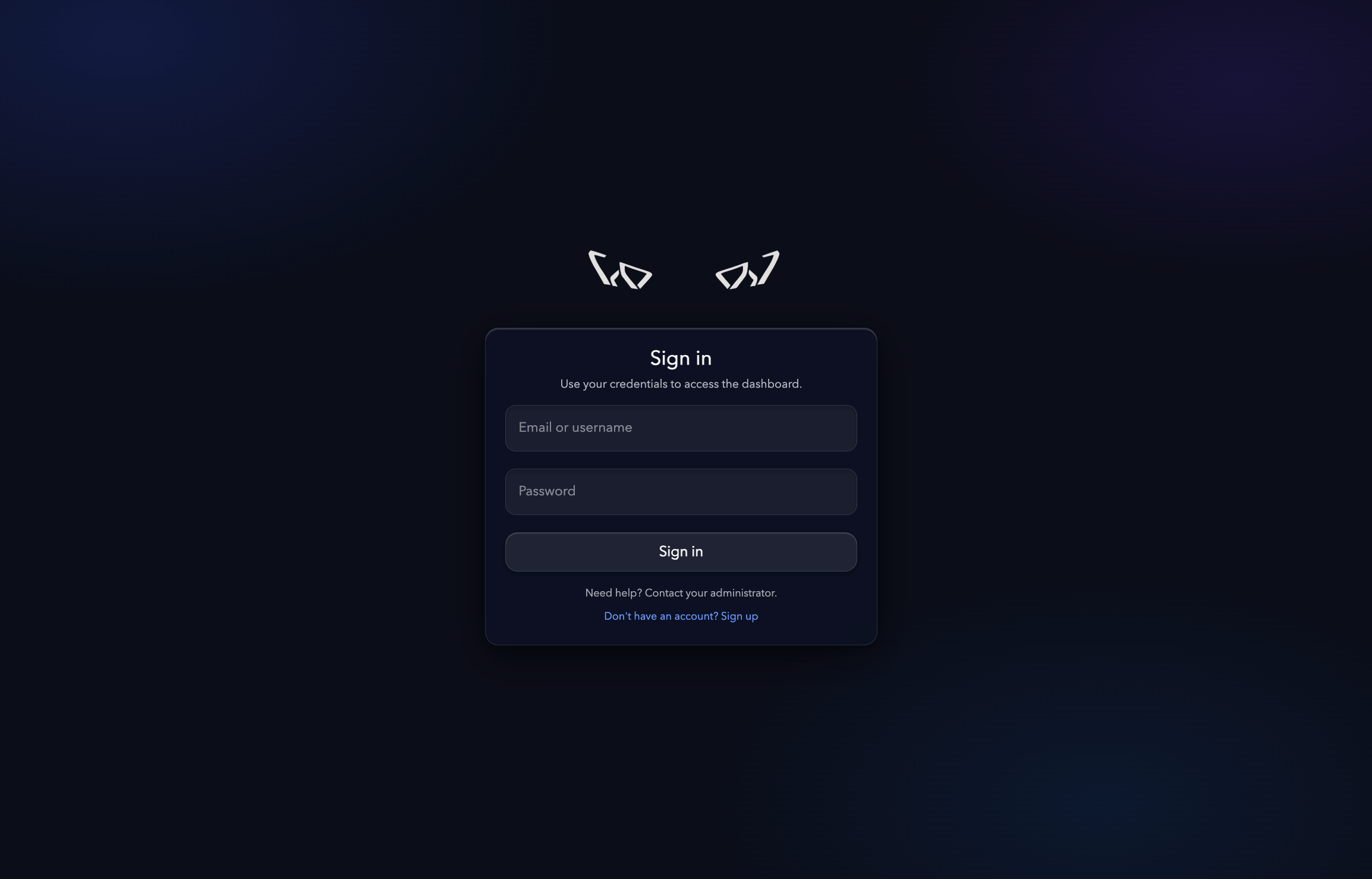
Create an account
Go to the sign-up page and fill in the requested information:- Full name.
- Email address.
- Password.
- Telegram username (recommended).
- Affiliate code (optional).
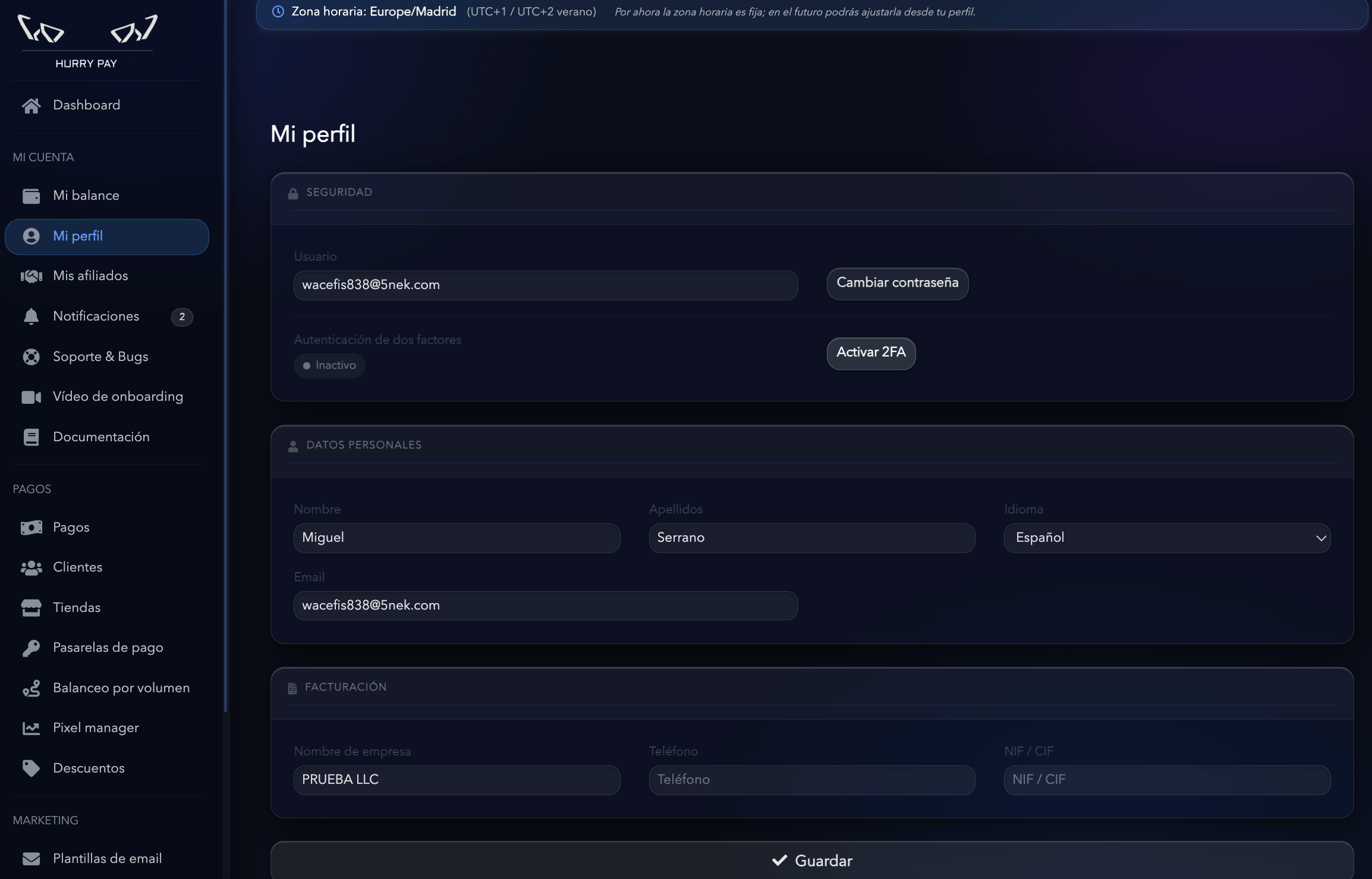
Recommendation: We suggest adding your Telegram username when you sign up. It’s the channel our support team uses to reach you quickly if there’s an incident, if you have questions during integration, or to help you set up the platform.
Have an affiliate code? If you were invited by a Hurry partner or affiliate, enter their code during sign-up so your account is linked correctly from the start. If you don’t have one, leave this field empty.
Verify your email
After creating your account, you’ll receive a verification email. Open the message and click Verify email to activate your account. If you can’t find the email, check your spam folder or request a new link from the login page.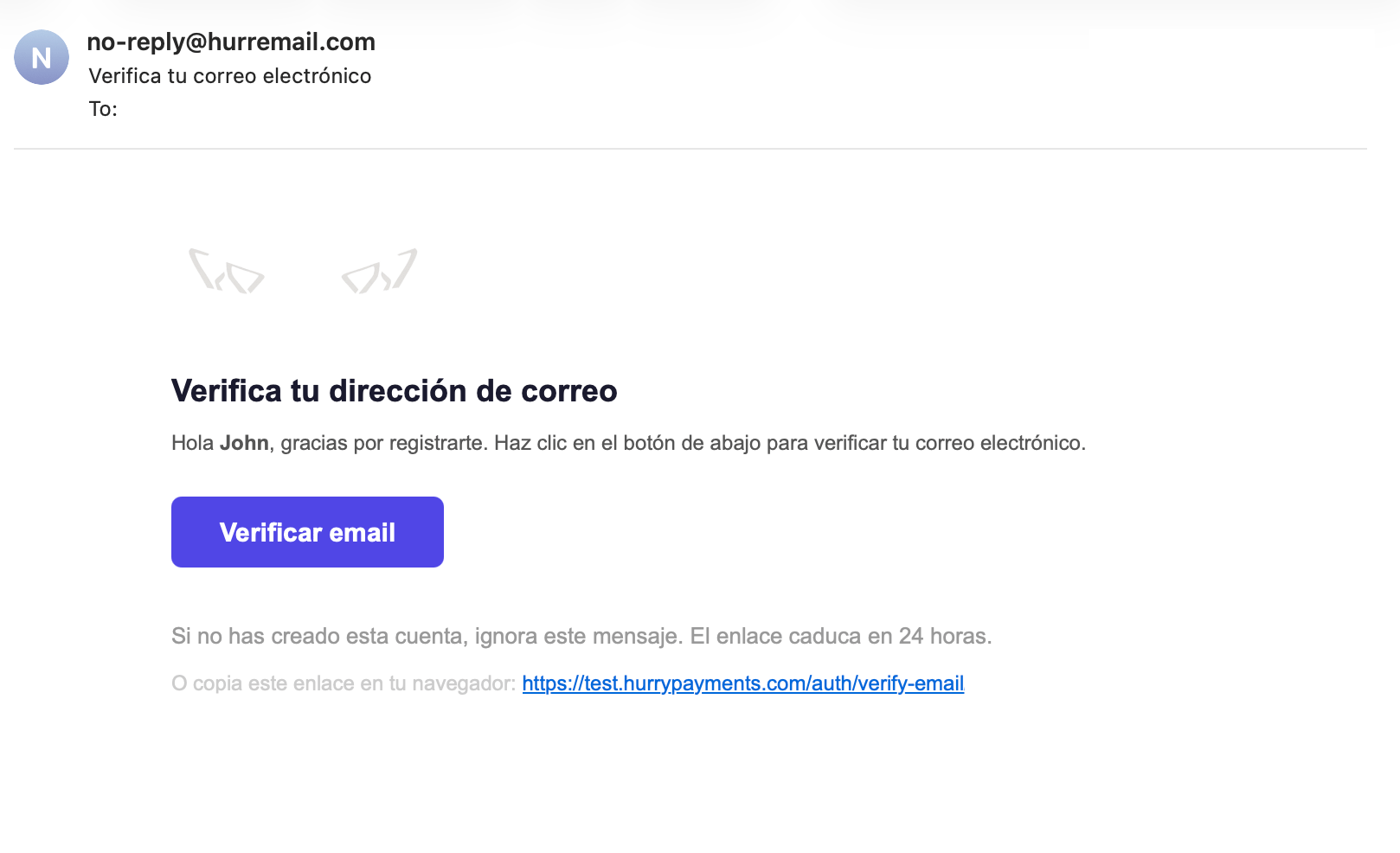
Log in
Once your email is verified, you can access Hurry with your email address and password. When you log in, you’ll go straight to the Dashboard, where you can start setting up your store.