
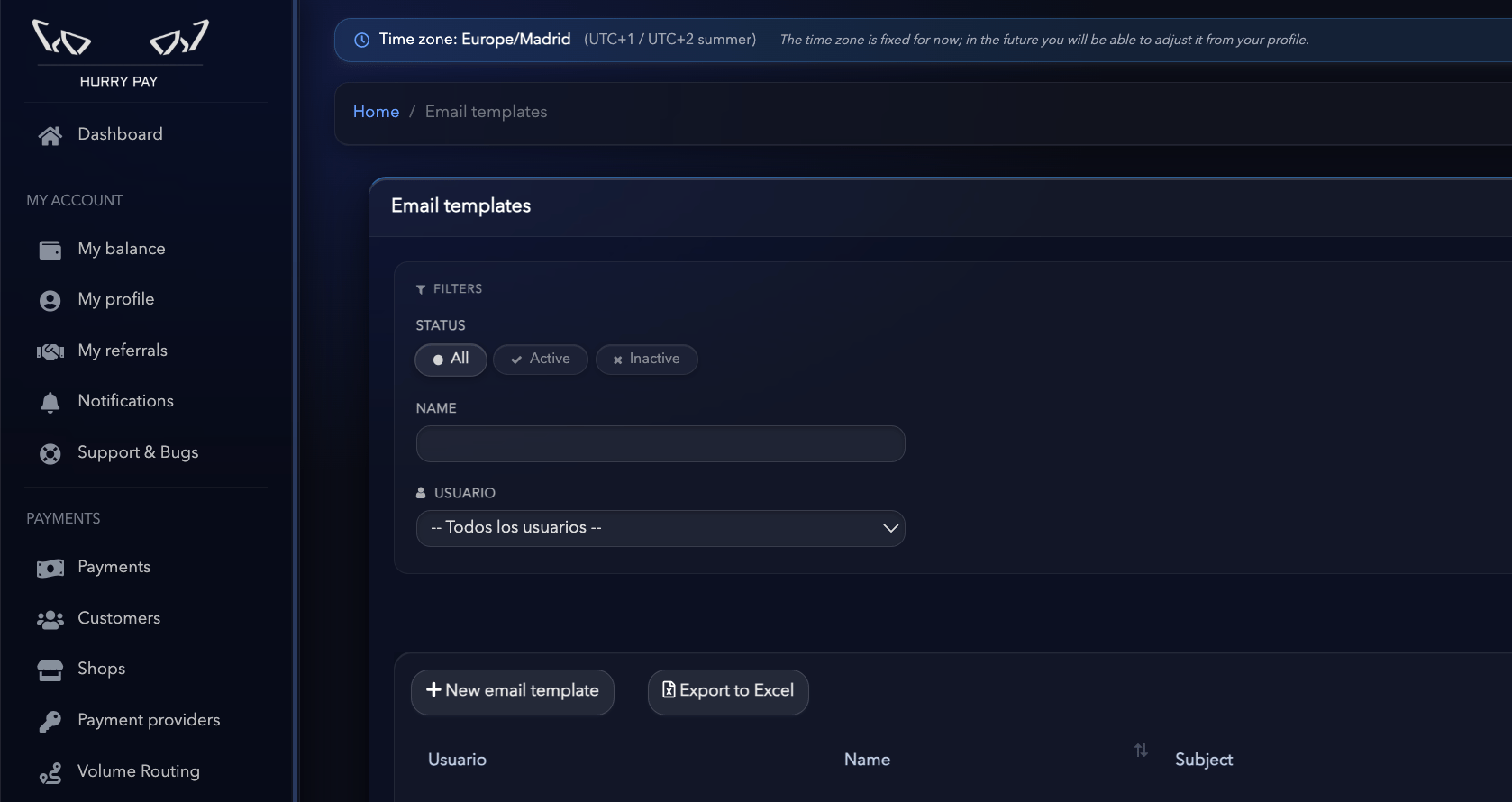
Step 1. Basic information
First, set up the template’s basic information.Name
Enter an internal name that makes the template easy to identify. For example:- Order confirmation
- Abandoned cart 1
- Abandoned cart 24h
- Customer win-back
Status
Select whether the template is Active or Inactive. An inactive template can be saved and edited, but it won’t be available for the corresponding sends.Subject
Enter the subject line the customer will see in their inbox. For example: Thanks for your order! 🎉 or You left something in your cart 👀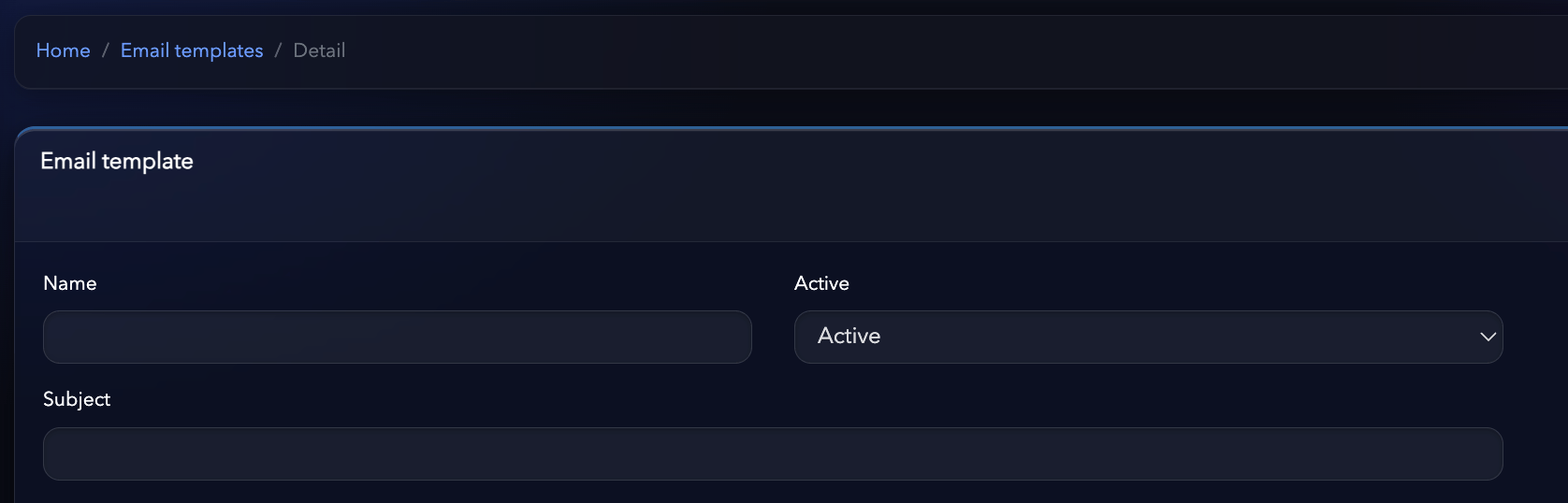
Step 2. Use a predefined template
Hurry includes predefined templates you can use as a starting point. You can currently select:- Order Confirmation: for order confirmation emails.
- Abandoned Cart: for abandoned cart recovery emails.
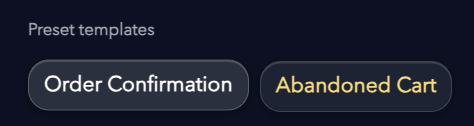
Tip: If you don’t want to build an email from scratch, use a predefined template and change the design, copy and elements you need.
Step 3. Use dynamic variables
You can use variables in the email content to automatically personalize each message with customer, order or cart information. The currently available variables are:
For example:
Hi {{customer.name}}, thanks for your order {{order.id}}.
When Hurry sends the email, the variables are automatically replaced with the corresponding information.

Step 4. Create the email content
In the Content (HTML/FTL) field you can enter and edit the template content. The editor supports HTML and dynamic variables, so you can create fully customized emails that match your brand’s design. Here you can set up elements such as:- Copy and headings.
- Buttons.
- Images.
- Logo.
- Order information.
- Cart products.
- Links to recover a purchase.
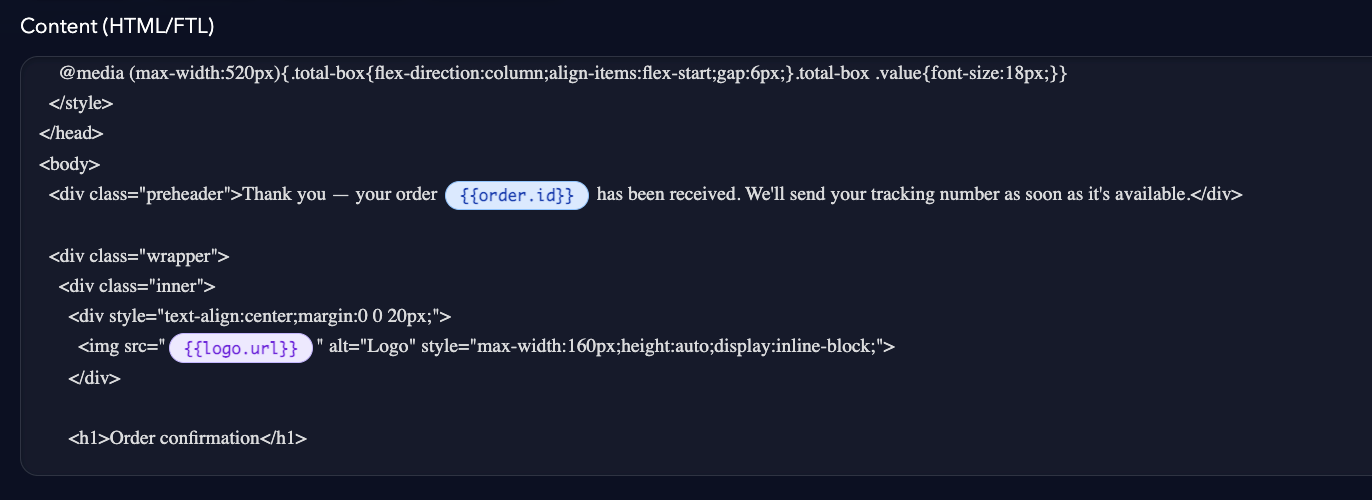
Important: If you edit a template’s HTML directly, always check the result before saving to make sure the content displays correctly.
Step 5. Preview the result
Before saving the template, use the Preview result section to check how the email will look. Click Preview body to refresh the preview after changing the content.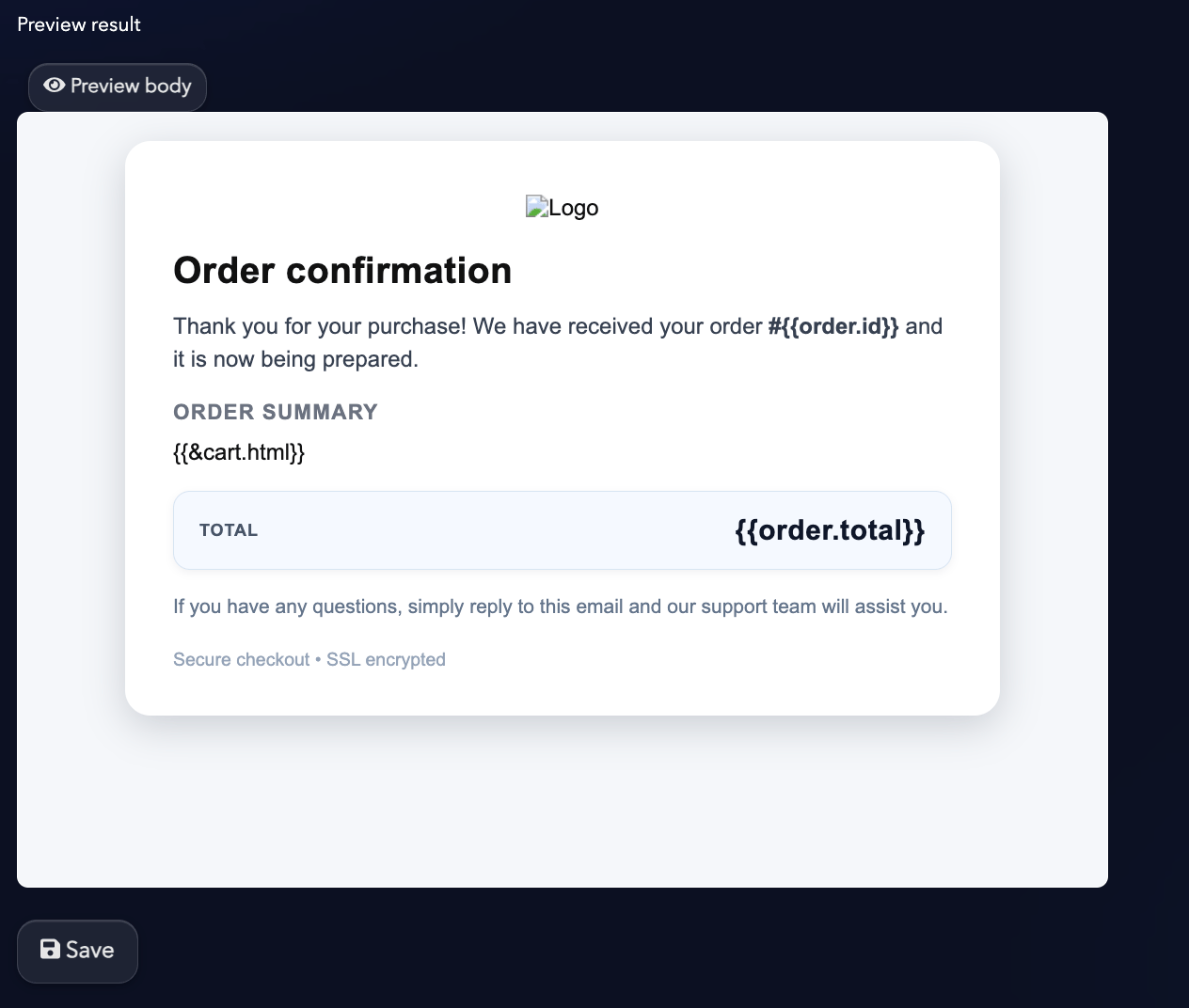
- That the copy displays correctly.
- That the buttons are visible.
- That the design works correctly.
- That there are no cut-off or misaligned elements.